

connectivity & networks
Maybe calls keep dropping. The WiFi disappears in part of the building. A new site needs to be live next week. Or one failed connection could stop too much. The result is frustrated users, lost time and customers feeling the impact.
Start with what needs fixing, protecting or connecting, then bring together the right mix of fixed, wireless, mobile and specialist connectivity - with clearer ownership and fewer suppliers to manage.
seven connected services
Your network sits behind almost everything your teams do. When it works, nobody thinks about it. When it doesn’t, people lose time, workarounds creep in, IT gets pulled into firefighting and customers can start to notice.
The right answer depends on where the pressure is. That could mean improving broadband or WiFi, managing traffic with SD-WAN, building in resilience, connecting a site quickly, supporting IoT devices or creating dedicated Private 5G coverage. Start by looking at what your business needs, then build the right combination around it.
.webp)
Choose everyday broadband, full fibre or dedicated connectivity around user demand, cloud traffic and the impact of downtime.
Your users, applications, peak demand and resilience needs shape the connection, capacity and service level that best fit each site.

Design wireless coverage around the building, people, devices and busy areas rather than relying on access points placed by guesswork.
Your site layout, materials, user movement and device demand shape coverage, capacity, guest access and where access points need to sit.

Manage traffic across sites and connections more intelligently, giving important applications priority and creating clearer network visibility.
Your sites, circuits and application priorities shape the routing and failover rules, helping important traffic use the most appropriate available connection.
.webp)
Give critical services another route when the main connection, router, provider or local path becomes unavailable.
Your critical services and potential points of failure shape the mix of fixed, mobile or satellite backup routes and how failover should work.

Get new, temporary or hard-to-reach sites online using 4G, 5G, satellite or a blended setup while fixed services catch up.
Your location, users, applications and site conditions determine which connection,. or mix of connections, gives the right balance of speed, performance and resilience.

Connect sensors, meters, trackers and operational devices using the connection that best fits location, power, data and resilience needs.
Your devices, coverage, data volumes and reliability requirements shape whether mobile, multi-network, WiFi or Private 5G is the better fit.
Create dedicated wireless coverage where WiFi or public mobile cannot provide the control, mobility or coverage an operational site needs.
Your site, devices, movement, capacity and security requirements shape the dedicated network around the way your operations actually work.
built around your business
A joined-up network does not need the same technology everywhere. The right approach depends on the people, applications and devices each site supports, how much demand it carries and what would happen if connectivity failed.
That could mean fixed connectivity and WiFi for everyday work, stronger resilience at critical locations, SD-WAN across multiple sites or 4G, 5G and satellite where fixed infrastructure is delayed or unavailable. Each connection has a clear job, while the wider network stays easier to manage and support.

Match broadband or dedicated access to your users, cloud applications and everyday demand, then make sure WiFi and backup arrangements support how people actually work.
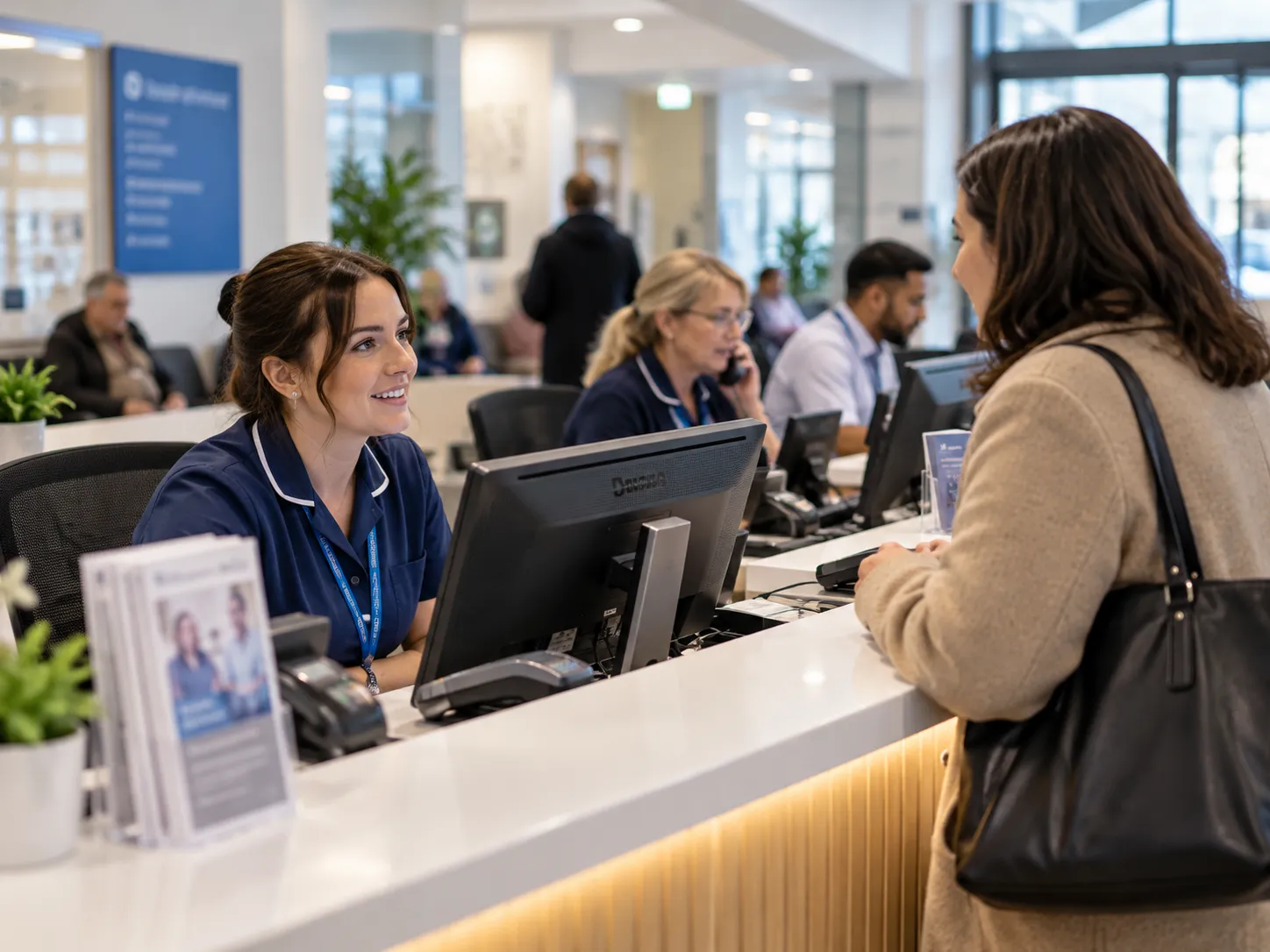
Consider the services that cannot comfortably stop, then use stronger service levels, diverse routes, failover or mobile backup to reduce the impact of disruption.

Choose suitable connectivity for each location, then use SD-WAN to manage traffic, application priority and network visibility more consistently across the estate.
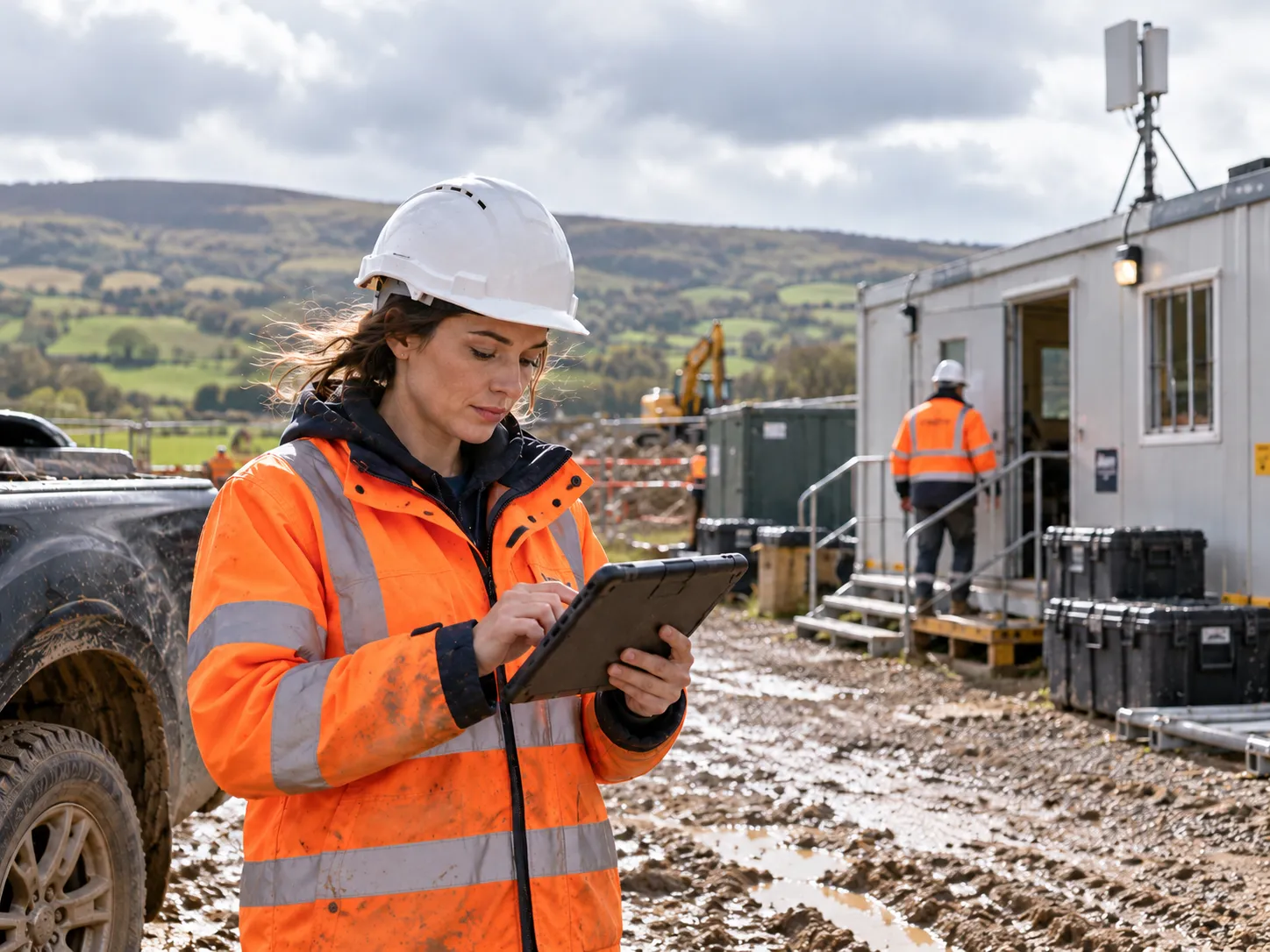
Check coverage, applications and site conditions, then use 4G, 5G, satellite or a mix to get teams online quickly while fixed services are delayed or unavailable, with resilience built in.
WHAT GETS BETTER
The technology can vary between sites, butthe outcome should feel consistent: people can work, critical services stay available and your teams have a clearer view of what is happening across the network.
Give people more consistent access to calls, cloud applications and the systems they rely on throughout the working day.
Bring sites, connections and network performance into clearer view so problems are easier to identify, understand and manage.
Build resilience around the calls, systems and services that would have the greatest operational or customer impact if they stopped.
Add locations, users or connected technology without treating every change as a completely separate network project.
connectivity comparison
Different connectivity services suit different sites, applications and priorities. Speed matters, but so do resilience, upload performance, service levels, deployment time and the role each connection needs to perform.
Use the comparison below to understand the differences between SOGEA, FTTP, Ethernet, 4G/5G and satellite connectivity.
SUPPORTED AS ONE SERVICE
When connectivity drops, the impact is immediate. Calls stop, cloud systems slow down and your teams can lose access to the tools they need.
Keeping network planning, delivery, support and future changes with one team gives you a clearer route when something needs attention - especially when the cause could sit with the broadband line, WiFi, routing or a service using the network.
01
Review every site, the people using it and the services they depend on before deciding what the network needs to do
02
Choose the right access,WiFi, routing and backup for each location rather than forcing every site into the same product.
03
Bring delivery, support and future changes under one managed approach, with fewer supplier hand-offs when something fails.
04
Review performance, outages, site changes and future demand so the network can keep adapting as the organisation changes.
it all connects
Your network supports far more than internet access. Cloud communications, mobile users, managedIT and workplace technology all depend on connectivity. Joining the thinking up makes issues easier to trace and change easier to plan.
Align bandwidth, routing and resilience with cloud telephony, contact centre services and real-time voice traffic.
Support people moving between locations with mobile services, devices, multi-network connectivity and security.
Connect Microsoft 365,cyber security, cloud systems and user support with the network underneath them.
Give meeting rooms, displays, digital signage and connected workplace technology the network and WiFi they need.
quick answers
Ready to connect?
Tell us what is slow, unreliable, changing or difficult to connect. We can review the wider setup and work back from what your team and business actually need.