

Your meeting rooms should help people get on with the meeting - not leave them searching for cables, struggling with audio or calling IT before they can start.
Create easier, more consistent spaces for in-room and hybrid collaboration, with displays, cameras, audio and controls designed around how your teams actually meet.
Zoom and Teams rooms | Yealink technology | Professional displays | Managed AV support
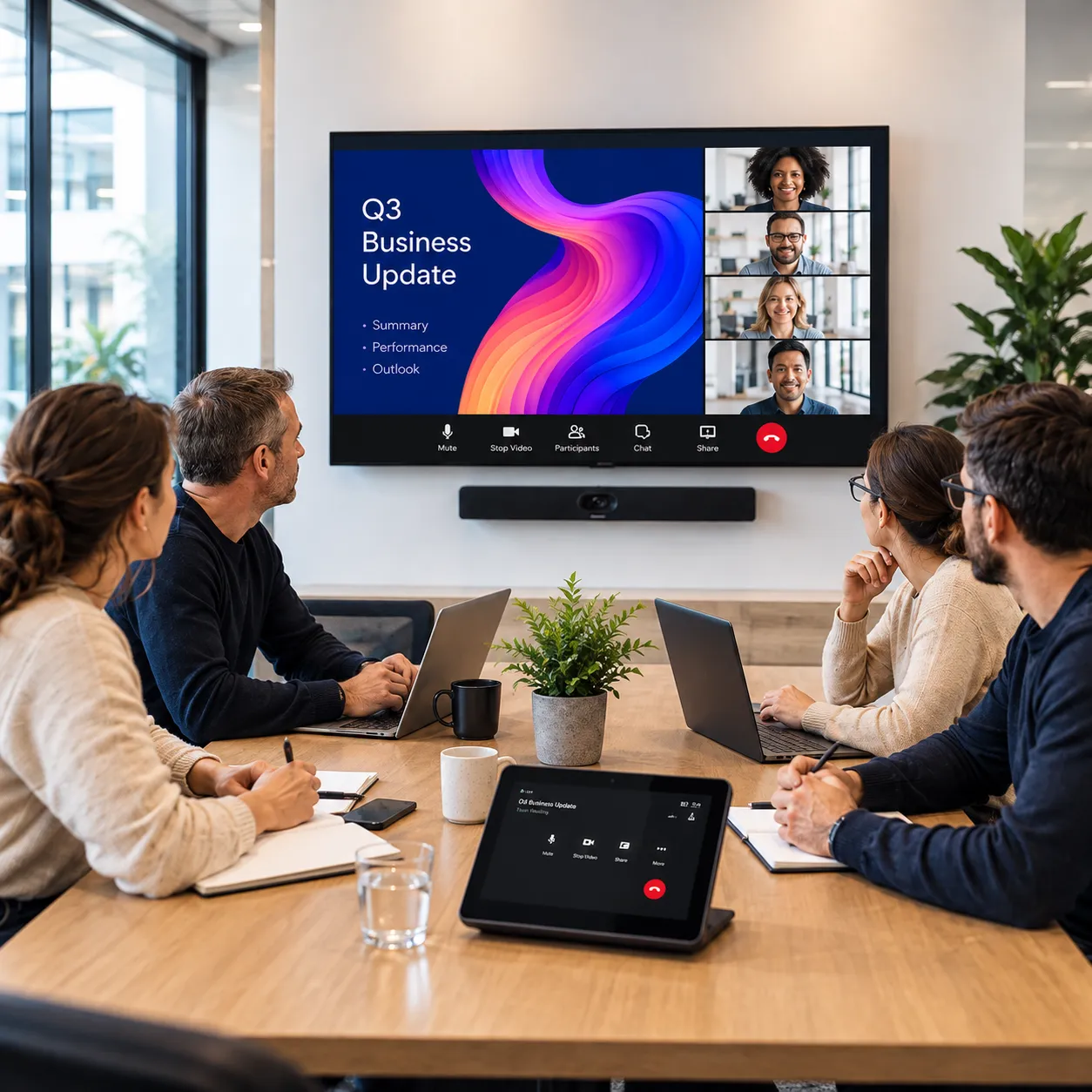
better meetings
Your teams no longer meet in one place. People may join from another office, home, a customer site or while on the move, so the meeting room has to work for everyone in the conversation.
That puts more pressure on the technology. People need to join quickly, share content easily and make sure remote participants can hear, see and contribute properly. When rooms work differently, meetings start late, conversations feel disjointed and IT gets pulled into avoidable support.
The room also shapes how your business comes across. Poor audio, awkward starts and unreliable technology can make customer, leadership or interview meetings feel less professional and harder to manage.
A well-designed room removes that friction and creates a more consistent experience - helping people start meetings faster, collaborate more naturally, share content without workarounds and rely less on IT for everyday support.

Give people familiar controls and simpler room setups so less time is lost getting the technology working.

Use the right cameras, microphones and audio so everyone can hear, see and contribute more naturally.

Make presenting and collaborating easier without relying on cables, adapters or last-minute fixes.

Create consistent room standards so your teams spend less time solving the same support problems repeatedly.
ROOM FIT GUIDE
A huddle room, boardroom and presentation space all place different demands on the technology inside them.
Room size, layout, meeting style, user numbers and the balance between in-room and remote participants should shape the displays, cameras, audio and controls used in each space. The aim is to make every room feel simple for users while giving IT teams a more consistent environment to support.
Simple video, audio and content sharing for smaller spaces and quick meetings, using compact solutions such as the Yealink MeetingBar A25 or A40.
Reliable Teams Rooms, displays, cameras and intuitive controls for everyday hybrid meetings, with options such as the Yealink MVC S40 or S50 for consistent in-room and remote collaboration.
Higher-quality audio, wider camera coverage and intuitive controls for larger meetings and client presentations, using solutions such as the Yealink MVC S80.
Larger displays, microphones, speakers and cameras for presentations and internal events, with options including Hisense GoBoard interactive or commercial displays.
Flexible AV that adapts as spaces are combined or separated, using modular Yealink room technology and configurable audio and display setups.
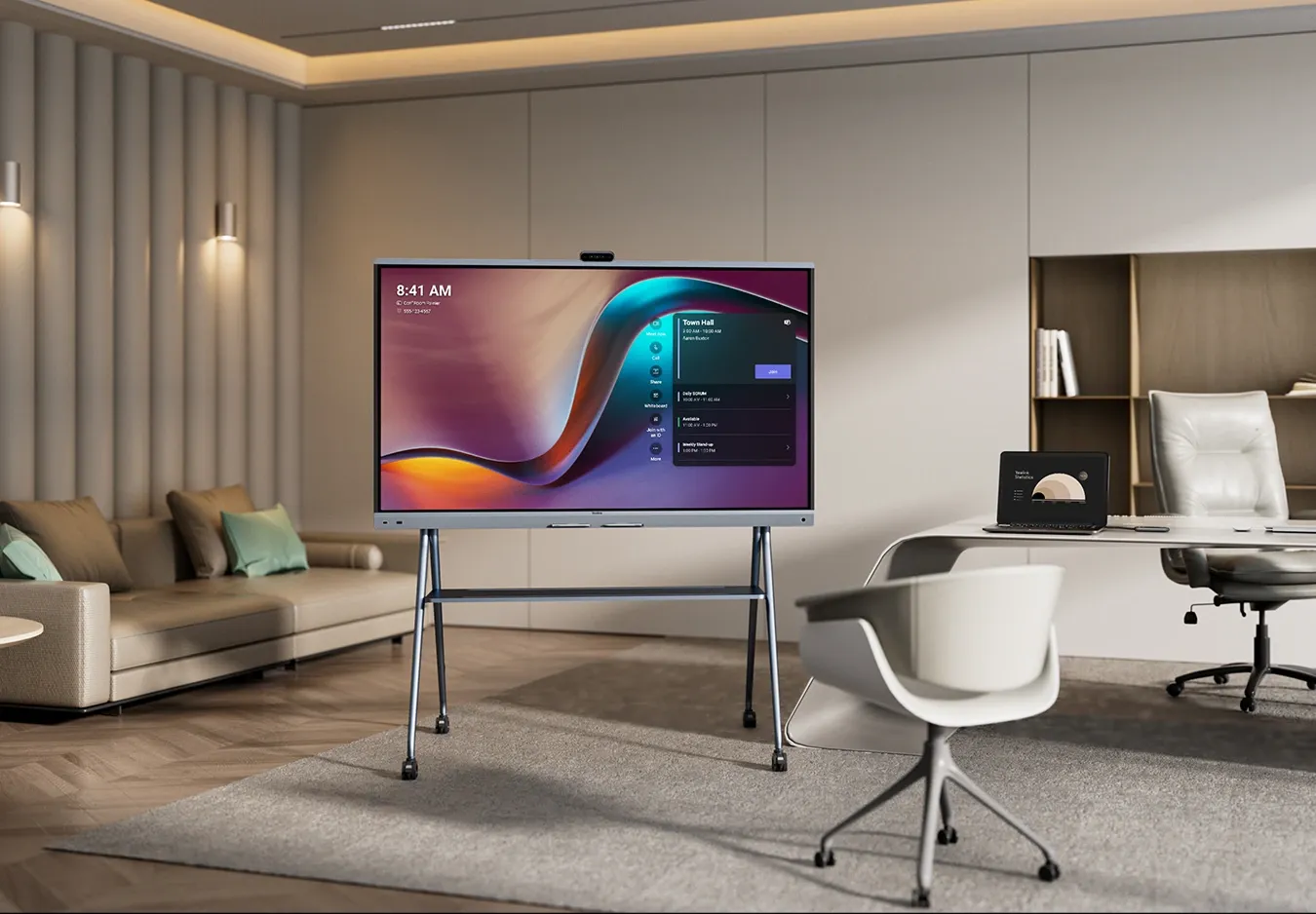
Moveable displays and collaboration boards for flexible spaces without permanent installation, using Hisense interactive displays with mobile mounting options.
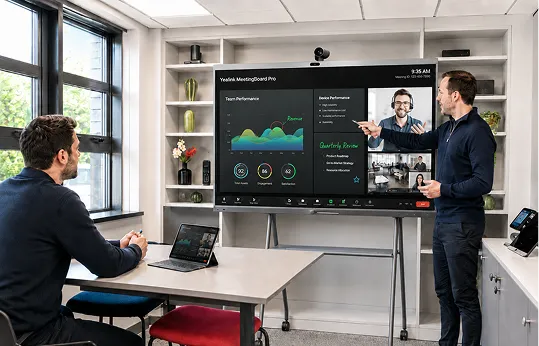
see it in action
Visit our demo space to see meeting room and display technology working in a real environment, compare different setups and understand what could work best for your spaces.
With both Zoom and Microsoft Teams meeting solutions, you can give your teams the comfort of using a system they already use to keep things easier to use, quicker.
Book a demo →
DESIGNED AROUND THE ROOM
The right meeting room starts with understanding how the space is actually used.
Room size, layout, meeting type, user expectations and the technology already in place - Zoom or Microsoft Team - all shape what the room needs to support.
Those requirements are brought together before the setup is recommended, helping avoid both over complicated rooms and spaces that don't give users what they need.
Explore Yealink solutions →
Explore Hisense solutions →


Review room size, layout, meeting style, Teams or Zoom usage, user expectations and recurring support issues.
Match displays, cameras, microphones, speakers, controls and room panels to the space and meeting type.
Use features such as intelligent framing, speaker tracking and noise reduction to help remote participants feel more involved.
Create consistent controls and room setups where appropriate to reduce confusion, training needs and support requests.
Coordinate installation, configuration, testing and user readiness so rooms are easier to adopt from day one.
managed after go-live
Installation is only the start. Rooms still need monitoring, updates, troubleshooting and ongoing support when something stops working.
Managed AV gives your users a clear route for help and takes more of the day-to-day management away from internal IT, helping reduce downtime and keep rooms ready to use.
Explore Managed AV support →
ONE ACCOUNTABLE PARTNER
A meeting room may contain technology from several manufacturers, but your users should not need to understand who supplied the screen, camera, network or room system when something goes wrong.
Bring the room design, AV, connectivity and ongoing support closer together with dbfb, using established technology partners including Yealink and Hisense to build the right solution around your space and existing platforms.
01
Start with how your teams meet and what each space needs to achieve, rather than a predefined equipment list.
02
Use proven meeting-room and display technology from partners including Yealink and Hisense, selected around your needs.
03
Bring AV, displays, WiFi, connectivity and wider workplace technology together, reducing supplier hand-offs when something needs attention.
04
Add Managed AV support for monitoring, troubleshooting, updates and ongoing room management after go-live.
CONNECTED ROOMS
Even the best meeting-room technology relies on the right setup behind it. Stable connectivity, suitable WiFi and the wider Microsoft environment all help meetings, sharing and room management work reliably.
Give cloud-based meetings and collaboration the resilient underlying connection they need across your sites.
Use professional and interactive displays from partners such as Hisense across meeting, presentation and collaboration spaces.
Give video meetings, wireless sharing and connected room technology the performance they need to work consistently.
Keep meeting rooms reliable with ongoing monitoring, updates and support, so your teams can always collaborate.
quick answers
Start the review
If meetings are starting late, remote attendees are struggling or IT is spending too much time fixing room issues, we can help.